
RollSmith: making labels for your Niimbot D110
With RollSmith you design labels on your Windows PC and print them over Bluetooth on your Niimbot D110, without the app on your phone. You put text, barcodes and QR codes on a label, see right away how it will look and print it. You can also print a whole series of labels in one go, for example Cable 1 up to and including Cable 40.
The program is free and still under heavy development. That makes it a beta version: it works, but there may still be things in it that are not right.
What can it do?
Design labels
Text, shapes, images and codes are worked out in layers that you can freely move, rotate and stack.
Barcodes and QR codes
You drop a code on your label and RollSmith makes it sharp enough to print, even on a small label.
21 fonts
From sturdy to neat, from pixel look to handwriting. The fonts are built in, so there is nothing to install.
Templates and series
Save a label as a template and print a series of it with a rising number or a list from a file.
Print directly over Bluetooth
You pair your D110 and RollSmith talks to it by itself. The roll in the printer is recognised too.
Update check
On request RollSmith checks whether there is a new version, shows what has changed and downloads it for you.
How I got the idea
I bought a Niimbot D110 to finally label my cables, boxes and bins neatly. The little device is fun, but its app only works on my phone. Putting a label together with a number, a text and a code on such a small screen turned out to be fiddly. On a PC with a mouse and a keyboard that is a lot more pleasant, so I decided to make it myself.
It was built with the help of Claude, just like my other programs.
The name, the slogan and the logo
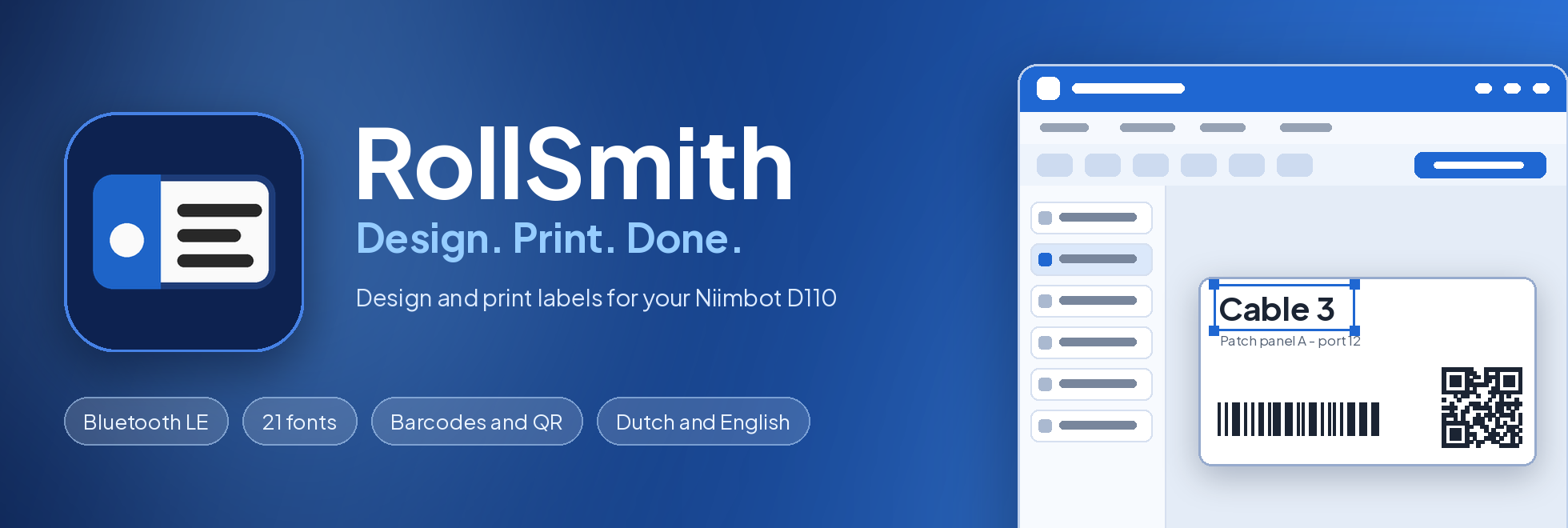
A smith makes something you can hold, and that is exactly what the printer does with a roll of labels. Hence RollSmith: the smith of the roll. The slogan "Design. Print. Done." says everything you need to know about it. The logo is a dark blue tile with a label on it.
What is it built with?
| Language |
C# |
| Platform |
.NET 10 and Windows Forms |
| Developed in |
Visual Studio 2026 |
| Connection to the printer |
Bluetooth Low Energy |
| Installation |
Installer made with Inno Setup |
What do you need?
| Operating system |
Windows 10 or Windows 11 |
| Printer |
A Niimbot D110 with a roll of labels |
| Bluetooth |
Bluetooth on your PC, to pair with the printer |
| Other |
Nothing. .NET and the fonts come with the installer. |
Note, this is a beta version. The program is still under heavy development. The installer is not signed, so Windows may show a warning. Choose "More info" and then "Run anyway". RollSmith is free, but at your own risk, and it is not made or approved by Niimbot.
Found a bug or have an idea? Let me know through the contact form on this website.
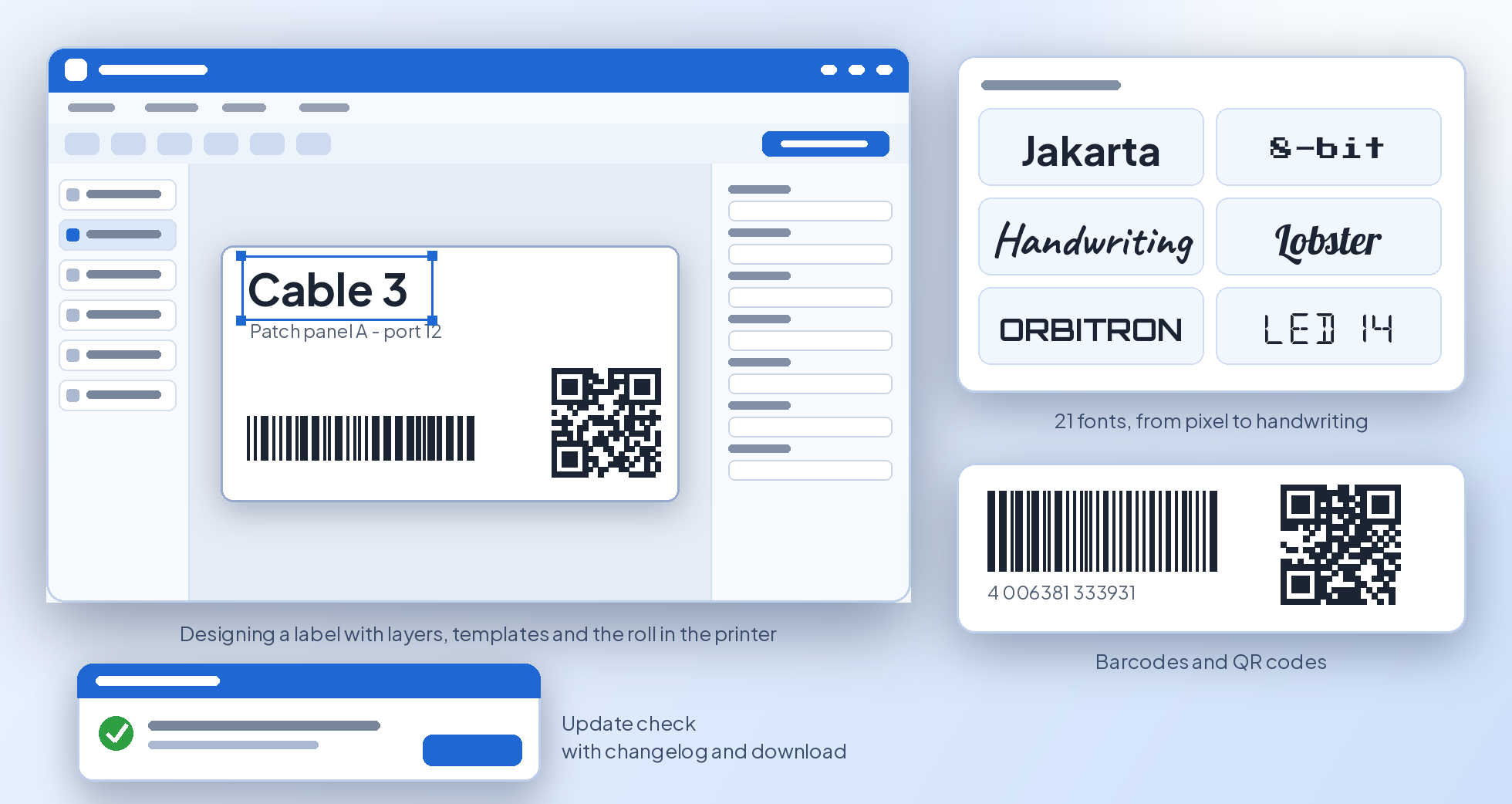
An impression of RollSmith (drawn, not a real screenshot).
RollSmith is freeware. Made by The Big Site, with the help of Claude.